
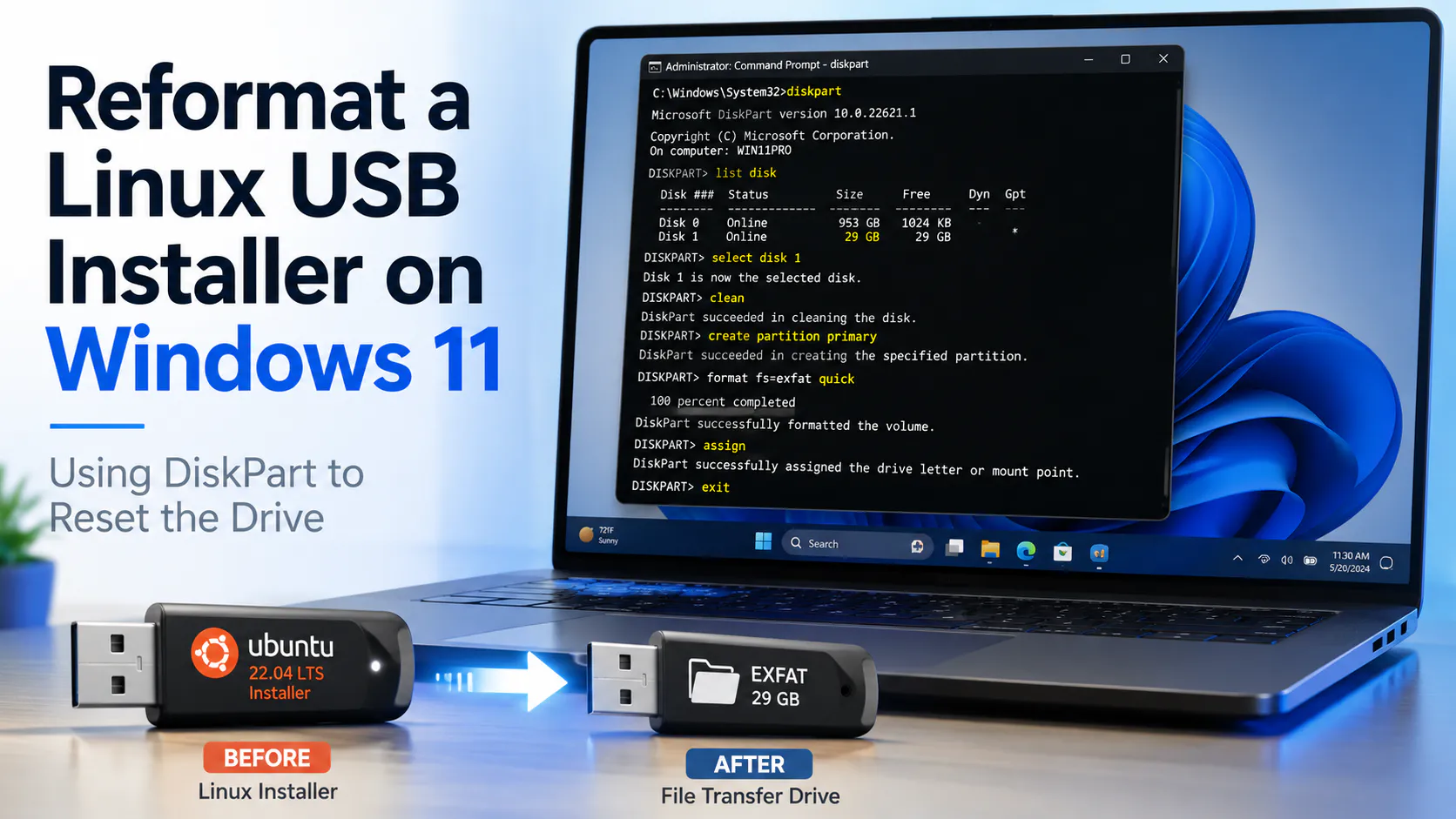
I routinely have USB drives that have a Linux installers on them. Once the drives are setup this way, they can be reformatted as normal USB file storage drives using the following procedure:
- Plug in the USB drive.
- Right-click Start and select Terminal (Admin) or Windows PowerShell (Admin).
- Type:
diskpart
- List the disks:
list disk
- Identify the USB drive by size. For example, it may be
Disk 2. - Select the USB drive, replacing
2with the correct disk number:
select disk 2
- Confirm you selected the right disk:
detail disk
- Erase the partition table:
clean
- Create one normal partition:
create partition primary
- Format it as exFAT:
format fs=exfat quick label=TRANSFER
- Assign a drive letter:
assign
- Exit DiskPart:
exit
The USB drive should now show up in File Explorer as a normal removable drive.